
By Shash7. Posted under guides Posted on 5th Nov, 2026
By Shash7. Posted under guides Posted on 5th Nov, 2026

Swipekit MCP lets you query your saved competitor ads directly inside Claude
You can pull tracked ads, group hooks and offers, compare formats, and produce concepts right inside the chat. Here's the complete workflow.
Step 1: Connect Swipekit to Claude.
Follow the Swipekit MCP setup guide to connect Swipekit to Claude. Sign in, approve access to your workspace, then start a chat with your Swipekit account.
Step 2: Pull your competitor ads.
Ask Claude to pull the ads you're tracking. Example prompt:
Pull all saved ads from my Swipekit workspace for [Competitor Name].
Include the hook, offer, format, and source link for each.
Group them by hook style and offer type.
Swipekit MCP gives Claude access to your saved ads, tracked brands, and ad previews. Claude returns the records with links back to the source ads.
Step 3: Group hooks and offers.
Ask Claude to separate what the ads say from what they give you. Hooks are the opening lines. Offers are the trial, discount, demo, or guide being promoted. Competitors often repeat one hook style across multiple offers, or one offer across multiple hooks. Group both.
From those ads, list every distinct hook and every distinct offer.
Count how many times each appears. Show one source ad link per group.
Step 4: Compare formats.
Ask Claude to break down the formats across the same set. Video, static, carousel, UGC, demo. A format comparison shows where your competitors put their production budget and which formats they repeat.
Compare the formats across these ads. Show counts and percentages.
Link to one example of each format.
Step 5: Produce three test ideas with evidence links.
Ask Claude to turn the patterns into concrete tests. Each idea should point back to the specific source ads that inspired it.
Based on the patterns above, give me three test ideas for my brand.
For each idea, include: the hook to try, the offer to pair it with,
the format to use, and links to the two source ads that support it.
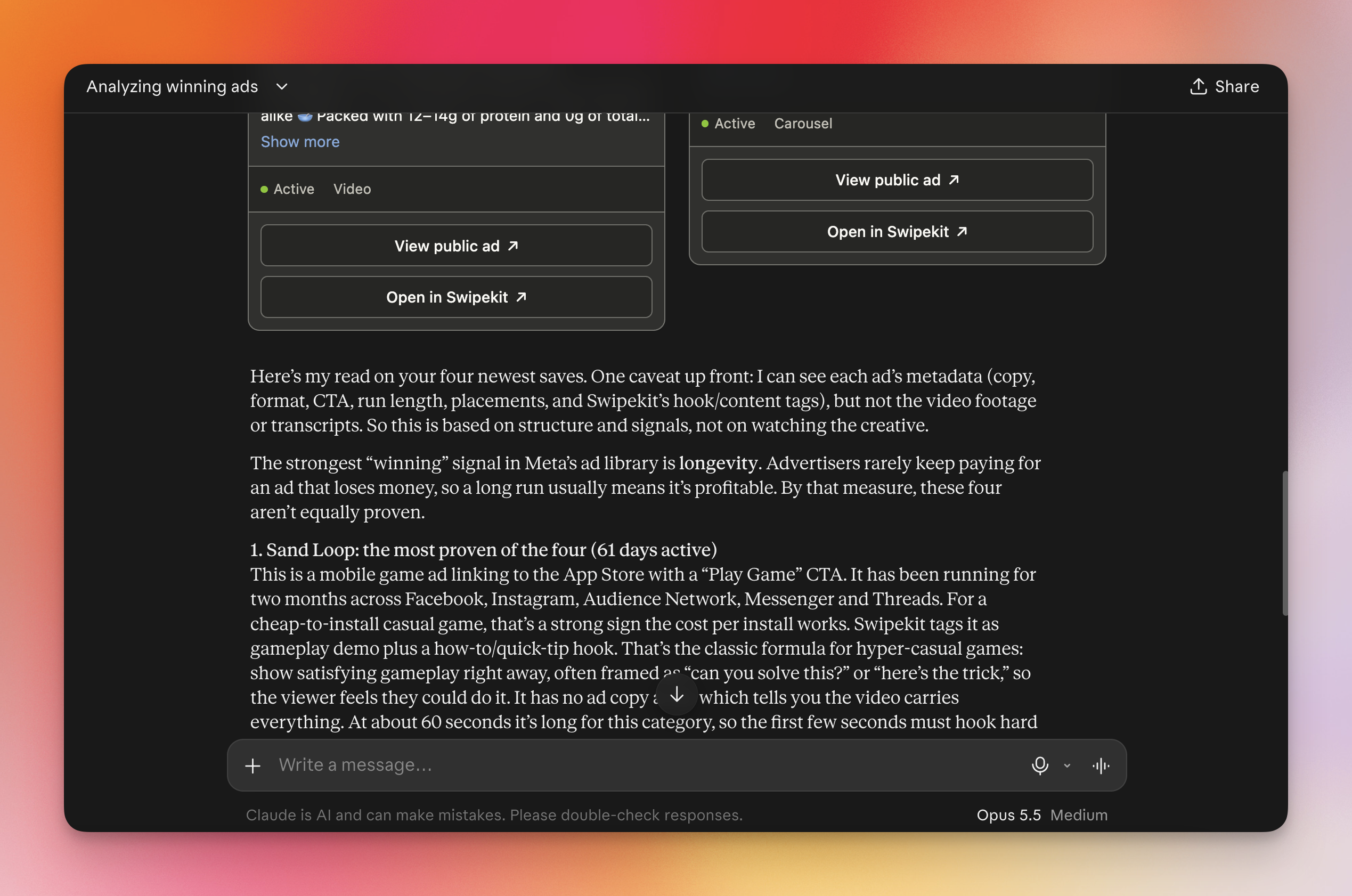
Claude can organize ad data and link back to the source ads. Its claim in this example that a longer-running ad is profitable is unverified. Use run length as a research signal, then judge new ideas against your own campaign results.
I hope this guide was helpful for you. Swipekit's MCP turns your saved ad research into something Claude can read and organize. No need to go to your account and do things manually.
Connect once, pull your tracked ads, understand patterns, compare formats, and more.
Save winning ads from every major library, keep the full context, and turn scattered inspiration into reusable creative direction.
Start free trial

AG1 by Athletic Greens
Meet Your New Supplement Routine ✅

Feel Reformed

Upgrade your Matcha


HEC Wellness Center

AG1 by Athletic Greens
Meet Your New Supplement Routine ✅
Feel Reformed
Upgrade your Matcha
HEC Wellness Center
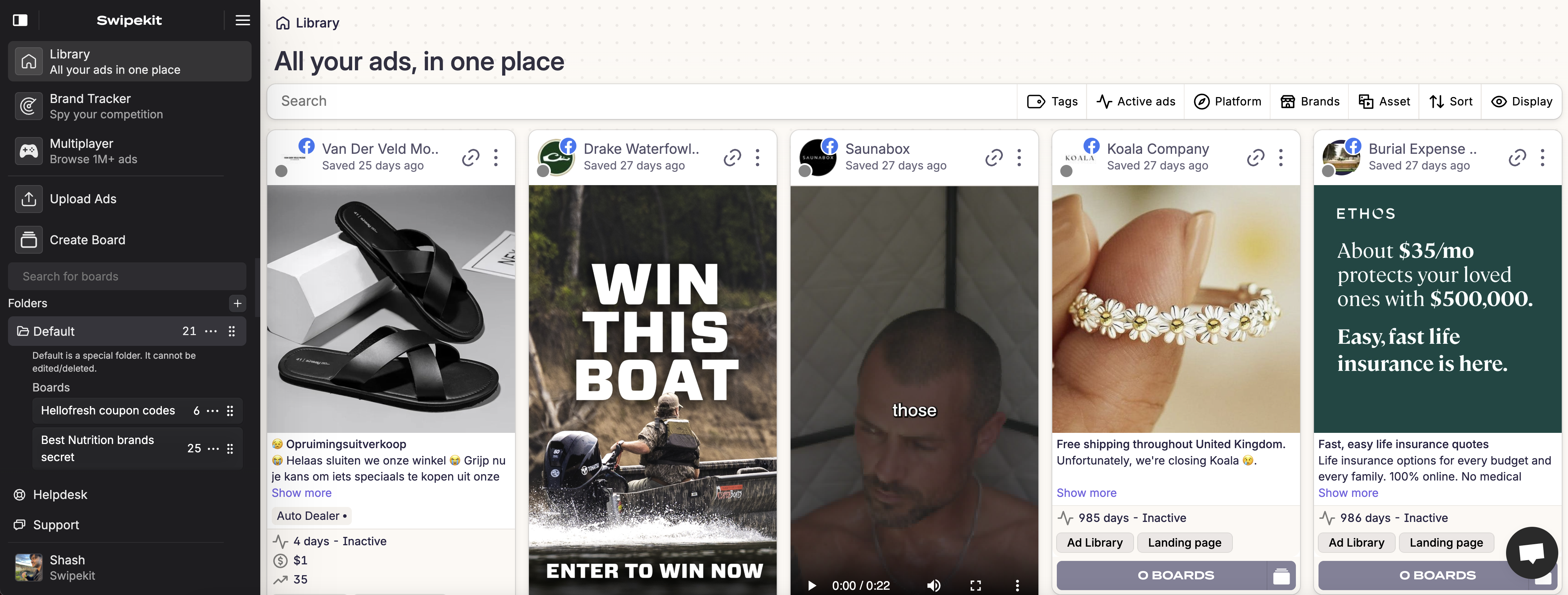 Try Swipekit